
Little Endian Hex to Decimal
Convert Little Endian hexadecimal values into human-readable decimal numbers with this precise and developer-friendly tool. Whether you’re working with binary file formats, low-level memory dumps, or embedded systems, this Little Endian Hex to Decimal Converter ensures accurate decoding of multibyte hex data.
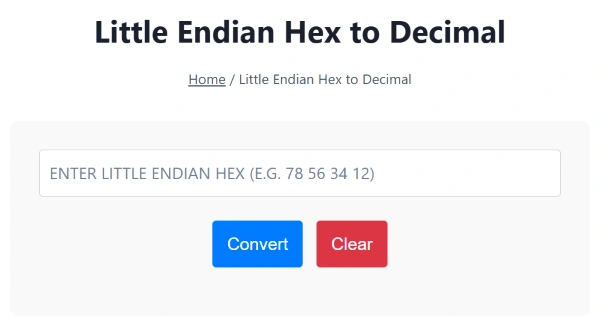
The Little Endian Hex to Decimal image is shown below:
What Is Little Endian Format?
In computing, endianness refers to the byte order used to store multibyte data types like integers or floats. Little Endian is a byte-ordering format in which the least significant byte (LSB) is stored first.
Example:
Little Endian Hex: 78 56 34 12
Actual Byte Order: 0x12345678
Decimal: 305419896
This format is used by:
- Intel x86/x64 processors
- ARM architectures (default)
- Network protocols
- Binary file formats like
.exe,.bin,.img
Want to view the hexadecimal value in standard notation? Try the Hex to Decimal Converter.
How to Convert Little Endian Hex to Decimal
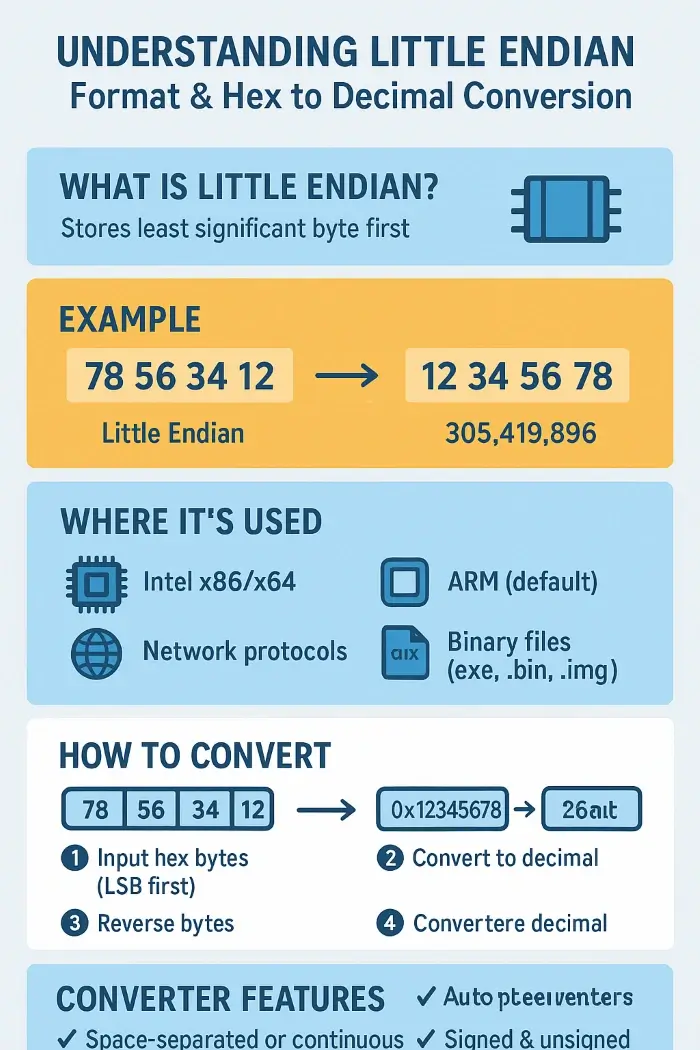
Step-by-Step Process:
- Input the hex bytes in Little Endian order, e.g.,
78 56 34 12 - Reverse the byte sequence →
12 34 56 78 - Combine and interpret as a big-endian hex →
0x12345678 - Convert to decimal →
305419896
You can validate the reversed hex using tools like the Hex to Decimal Calculator or analyze bits using the Hex Bitwise Calculator.
Features of This Converter
✅ Accepts space-separated or continuous hex input
✅ Automatically reverses bytes for accurate conversion
✅ Converts to signed or unsigned decimal values
✅ Supports 8-bit, 16-bit, 32-bit, and 64-bit input sizes
✅ Clean, fast, mobile-friendly interface with copy/export options
For negative signed decoding, you can cross-check with the Hex Two’s Complement Calculator.
When to Use Little Endian Conversion
Little Endian representation is essential in scenarios like:
- 🧠 Reading memory addresses in debugging tools
- 💾 Parsing binary files (e.g., BIOS, firmware)
- 🧰 Low-level data recovery from disk sectors or USB dumps
- 🔍 Reverse engineering software or hex code
- 🧬 Embedded systems and IoT sensor data
- 🕸️ Protocol analysis (USB, I²C, SPI, etc.)
To analyze binary structure or manipulate bit-level patterns, use the Hex Bitwise Calculator or Hex Shift Calculator.
You can also convert final decimal results back using Decimal to Hex Converter or inspect byte values using the Hex to Binary Converter.
Related Hex Conversion Tools:
- Hex to Decimal Little Endian
- Decimal to Hex Little Endian
- Negative Decimal to Hex
- Hex to Negative Decimal
FAQs – Little Endian Hex Conversion
Q1: How do I know if my data is in Little Endian format?
Check system architecture. Intel and ARM CPUs use Little Endian by default. Also, file specs (e.g., BMP, ELF) usually define byte order.
Q2: Can this tool handle signed integers?
Yes. You can toggle between signed and unsigned formats. For negative values, two’s complement is used—see the Hex Two’s Complement Calculator.
Q3: What happens if I enter an odd-length hex string?
The tool pads or flags invalid inputs. Ensure you provide complete bytes (2 hex characters per byte).